Private chat with participants
Chat is a private conversation between an organizer and an individual participant. It is not an audience-wide broadcast chat.
Answer a participant
- Open Private chat from the player tools.
- In Participants, select a person to view that conversation.
- Read their messages and enter a reply in Private message.
- Select Send message or press Enter. Use Shift+Enter for a new line.
- Switch participants to answer another conversation, or select Close to return to the player.
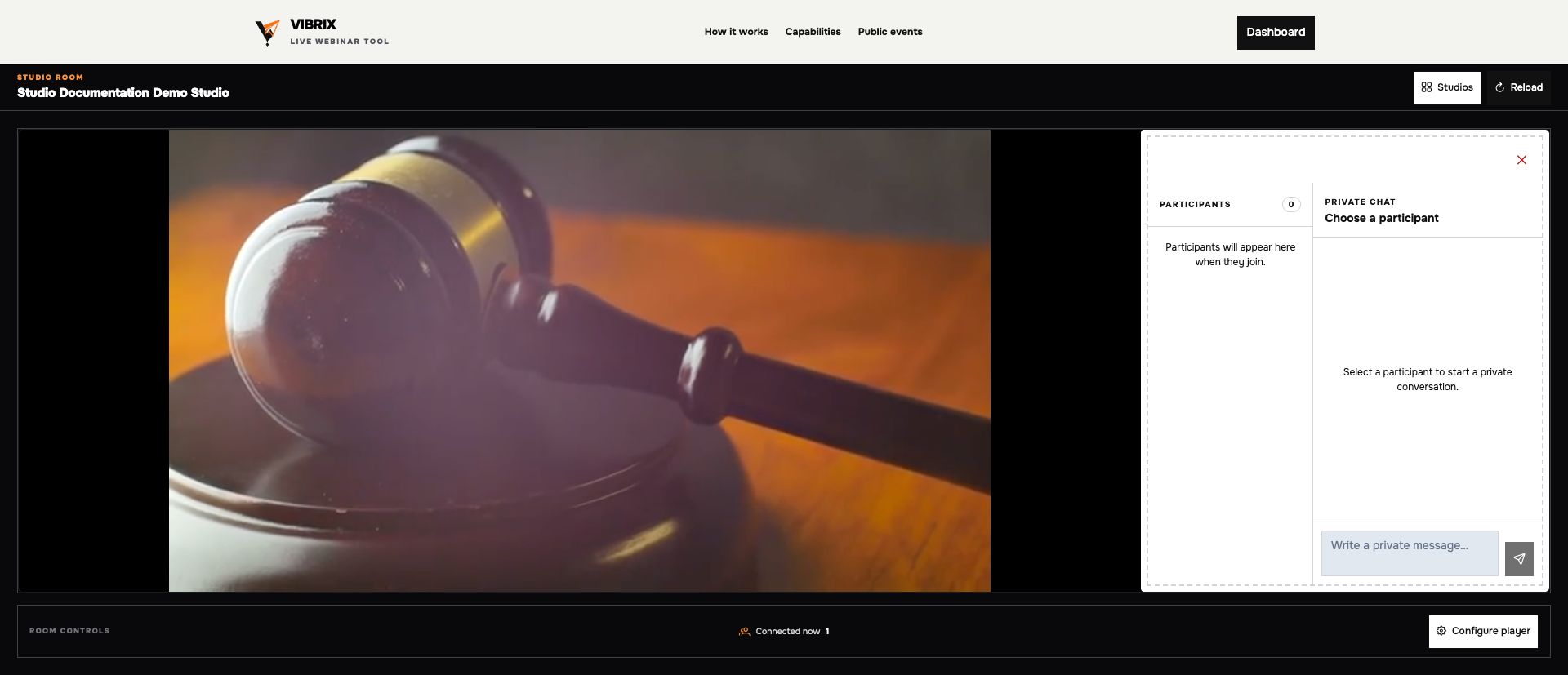 The organizer chooses one participant conversation at a time. An empty roster is expected before attendees join.
Online indicators show current presence. Unread badges help identify new messages; the chat tool also shows an unread count. Load older messages retrieves earlier messages when available. Messages can contain up to 4,000 characters.
If the composer is disabled, select a participant first. If no participants are listed, wait for someone to join. For event-linked conversations after the session, expand the participant's row in Reports.