Create and access your account
You need an organizer account to manage content, studios and webinars. Attendees follow a webinar registration link; they do not need to create an organizer account just to attend.
Sign up
- Open the VIBRIX website and choose its signup link, or visit
/registeron your VIBRIX instance. - Enter your Display name and Email address. Use a mailbox you can access.
- Enter a password of at least eight characters and repeat it in Confirm password.
- Select Create organizer account.
- Open the verification email and follow its link. Return to VIBRIX and select Go to sign in.
If sending the verification email fails after the account is created, use Retry verification email on the confirmation screen. Avoid repeatedly creating an account with the same address.
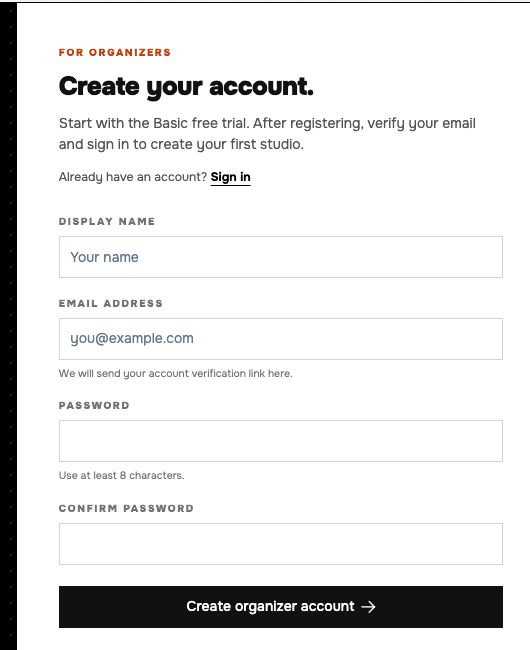 Signup collects the organizer's identity and account credentials.
Sign in and recover access
- Open
/loginand enter your E-Mail and Password. - Select Einloggen (“sign in”). Successful sign-in opens the organizer overview.
- If you have forgotten your password, select Passwort vergessen? (“forgot password”), enter your email, and select Link zum Zurücksetzen senden (“send reset link”). Zurück zur Anmeldung returns to sign-in without requesting an email.
- Follow the email instructions, then return to sign in with the new password.
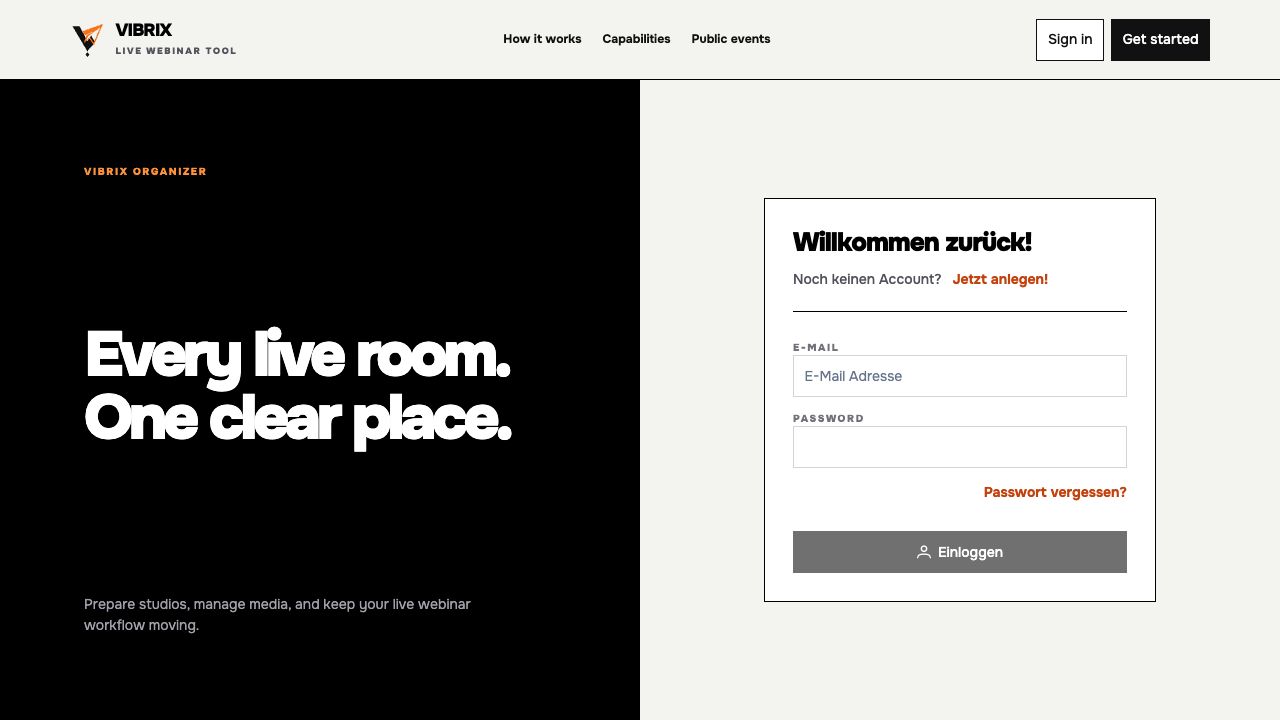 Use account recovery from the sign-in page when you cannot remember your password.
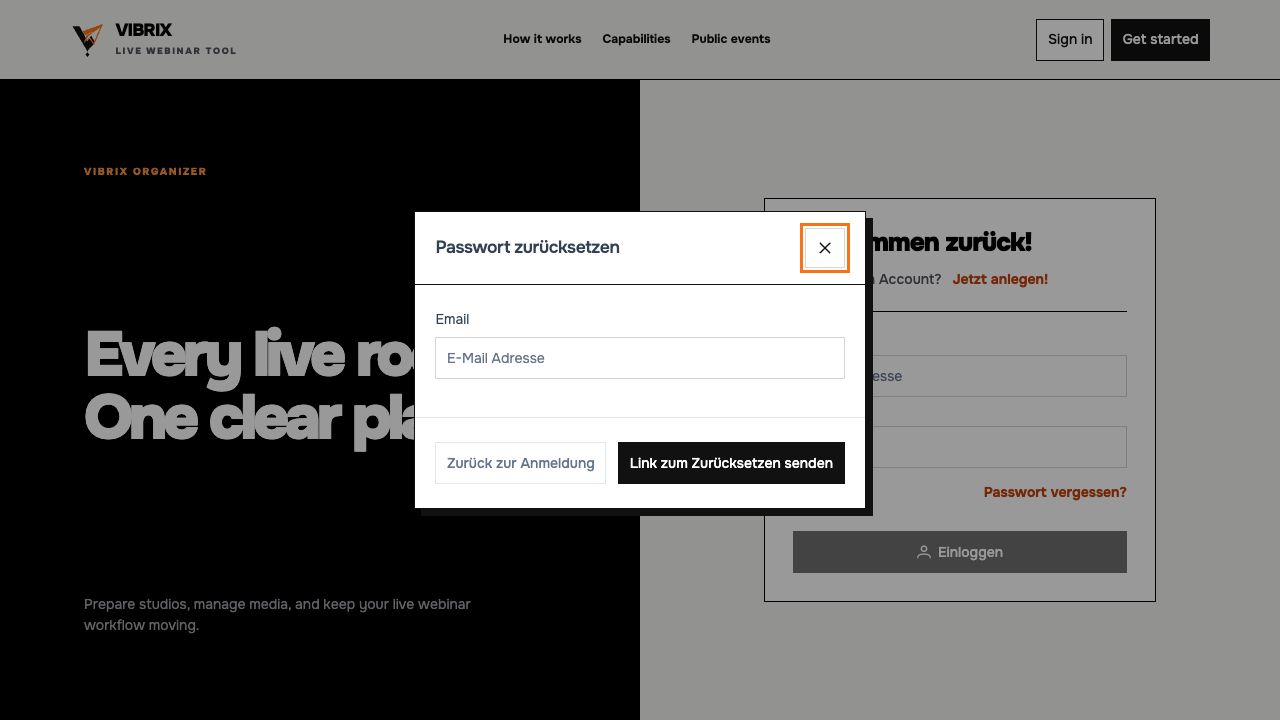 The sign-in and password-recovery controls currently use German labels.
Use Sign out at the bottom of the organizer sidebar when you finish on a shared device.
Email delivery depends on the VIBRIX installation. The documentation walkthrough uses an existing signed-in organizer account; signup verification and password-reset email delivery were not exercised. See account troubleshooting if an email does not arrive.
Next: Find your way around.